Downgrading plans?
Plan Downgrades:
If you received an error message when trying to downgrade your subscription, you must ensure that you are not using any of the following three “Premium” / “Enterprise” plan benefits before you are eligible to downgrade:
- On the Dashboard, you need to have a total of 5 or less “Running” or “Scheduled” tests (or 1 or less for Free plan)
- None of your “Running” or “Scheduled” tests can have more than 3 test variants (or 2 variants for a Free plan)
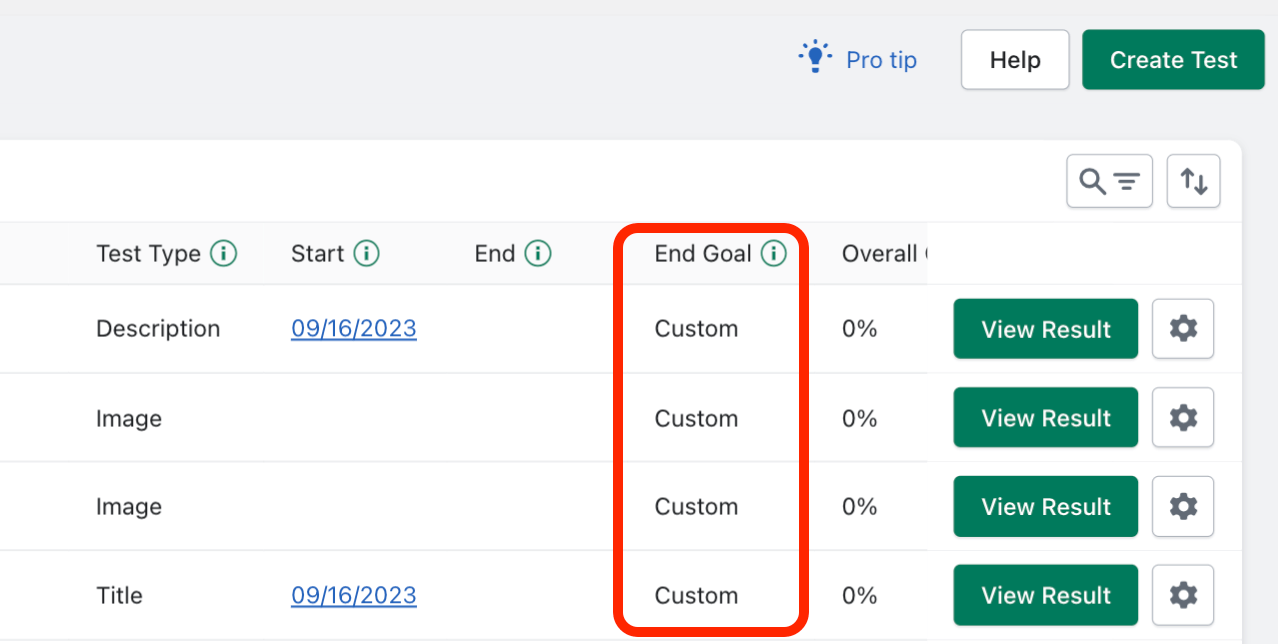
- None of your “Running” or “Scheduled” tests can have custom parameters in use (a “Custom” end goal)
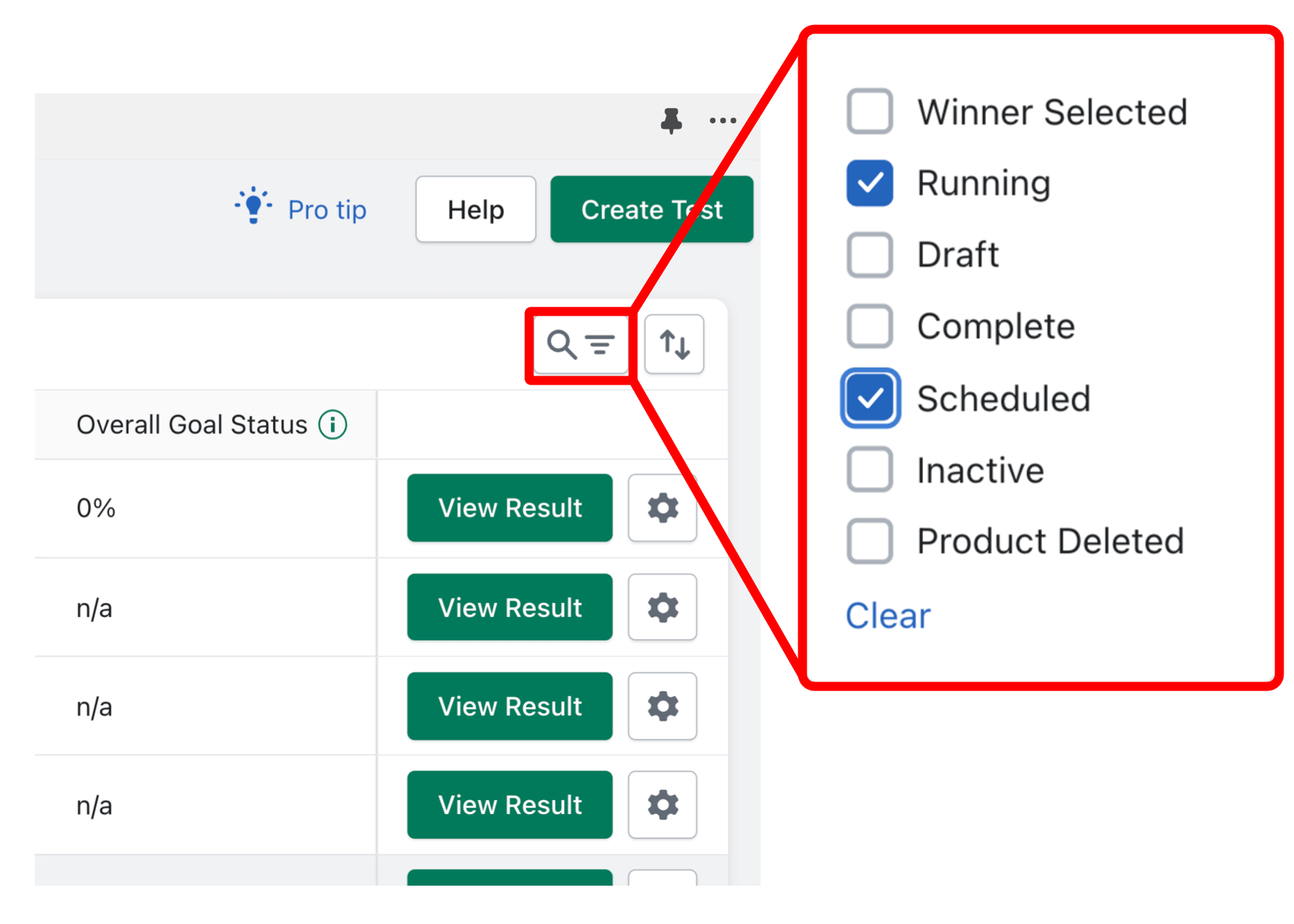
To quickly check how many running/scheduled tests you have, you can use the “Filter” feature and select “Running” & “Scheduled” tests only:
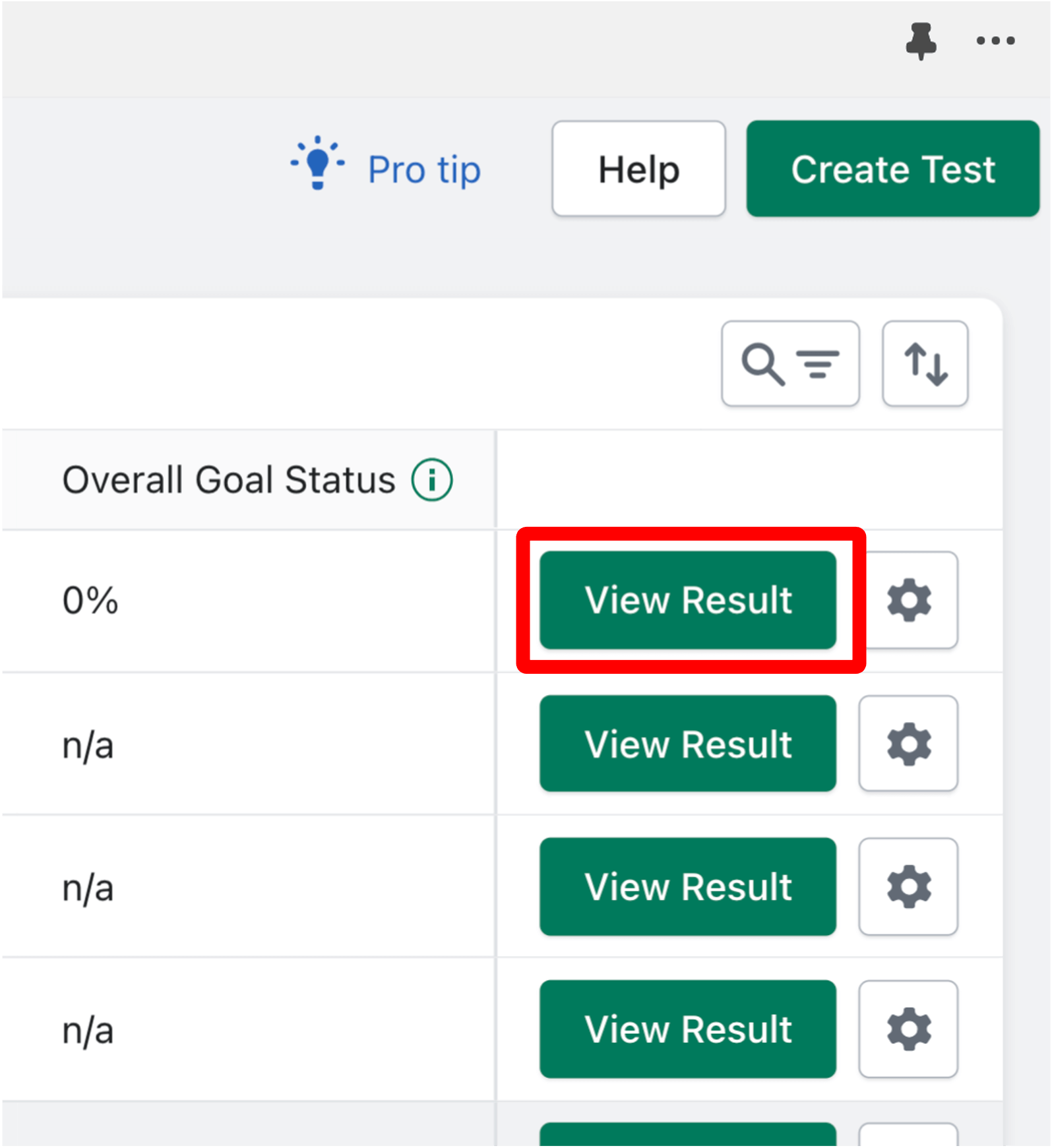
To check the number of test variants for running/scheduled tests, click “View Results” and count the number of variants:
To check if a running/scheduled test is using custom parameters, locate the “End Goal” column on the Dashboard. Tests using custom parameters will say “Custom”:
How to make “Scheduled” tests eligible for plan downgrade (click gear icon):
1. Edit test (and modify it accordingly)
2. Delete test
How to make “Running” tests eligible for plan downgrade:
1. Delete test
2. Wait until test is finished
3. Pause/Deactivate test
4. Select a Winner
Related Articles
Differences between plans?
Free Plan Benefits: 1 A/B test at a time 2 variants per test Detailed Analytics Customer support Basic Plan Benefits: Run up to 5 A/B tests at once Test up to 3 variants per test Automation settings Detailed analytics Customer Support Premium Plan ...