How to run Price tests?
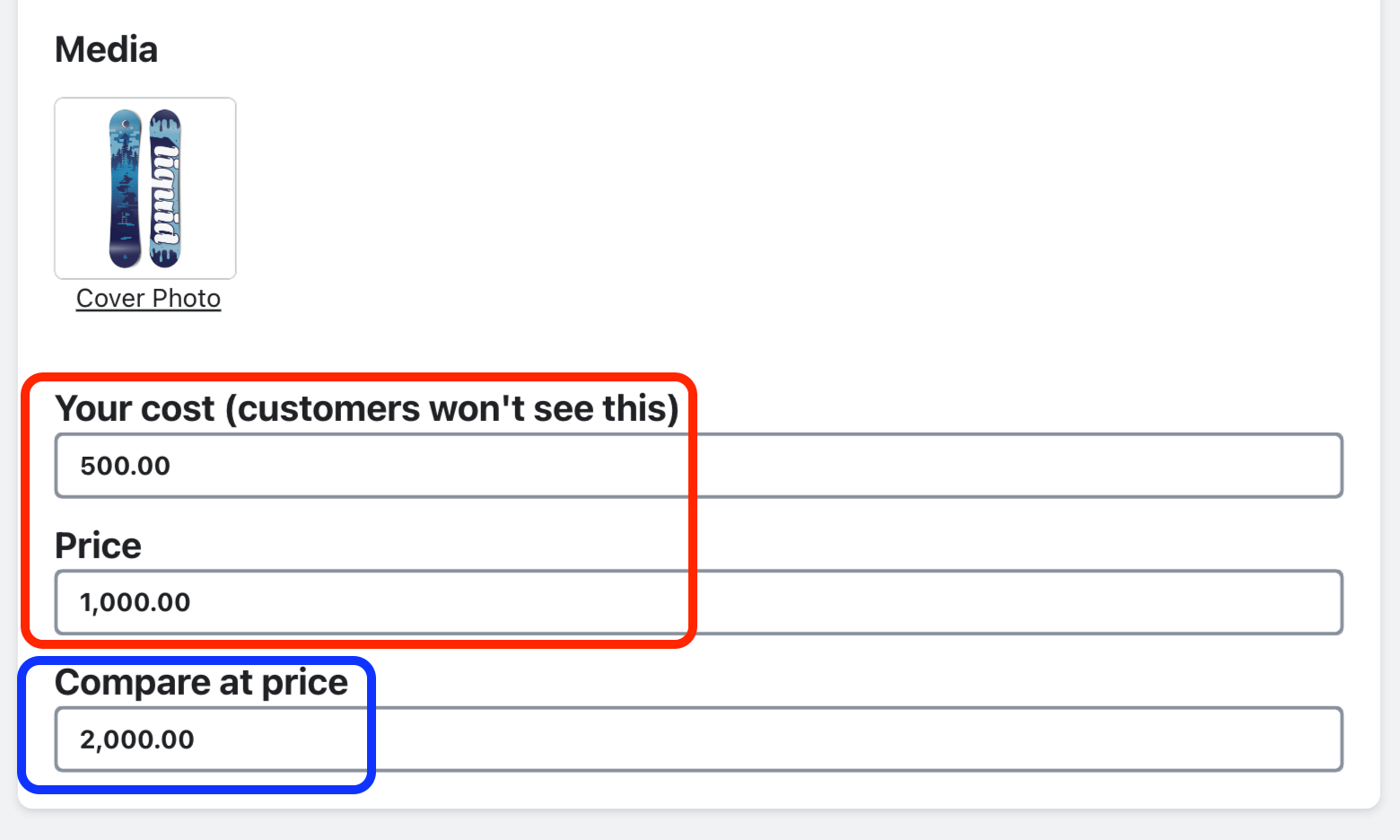
When running a price test, the product “Cost” (your cost for the product) and “Price” (what your customer will pay for the product) are both required fields. The “Compare at price” field is optional. syncX: A/B Testingwill calculate: (profit)/(views) for each price point you want to test against. This will help you determine which price point generates the highest “Average Profit Per View” for the product listing (which is the default metric we use to determine the best performing variant).
Related Articles
Price testing strategies
When performing price tests, it’s best to select prices that are somewhat close together: Once a price test ends, if you notice the lowest price point yielded the highest “Average Profit Per View”, you may want to run another test decreasing the ...Why do you need my product cost for Price Tests?
Importance of “Cost” in Price tests The default and most effective way we believe to determine the success of different price points is by identifying the price variant (price point) that yields the highest “Average Profit Per View”. To calculate ...How to run Title tests?
Identify the product “Title” for your product listing that captures your visitor’s interest the best. syncX: A/B Testing will calculate: (revenue)/(views) for each title you want to test against. This will help you determine which Title generates the ...How to run Description tests?
Identify the product “Description” for your product listing that captures your visitor’s interest the best. syncX: A/B Testing will calculate: (revenue)/(views) for each description you want to test against. This will help you determine which ...How to run Image tests?
Identify the “Image(s)” for your product listing that captures your visitor’s interest the best. syncX: A/B Testingwill calculate: (revenue)/(views) for each image configuration you want to test against. This will help you determine which Image(s) ...